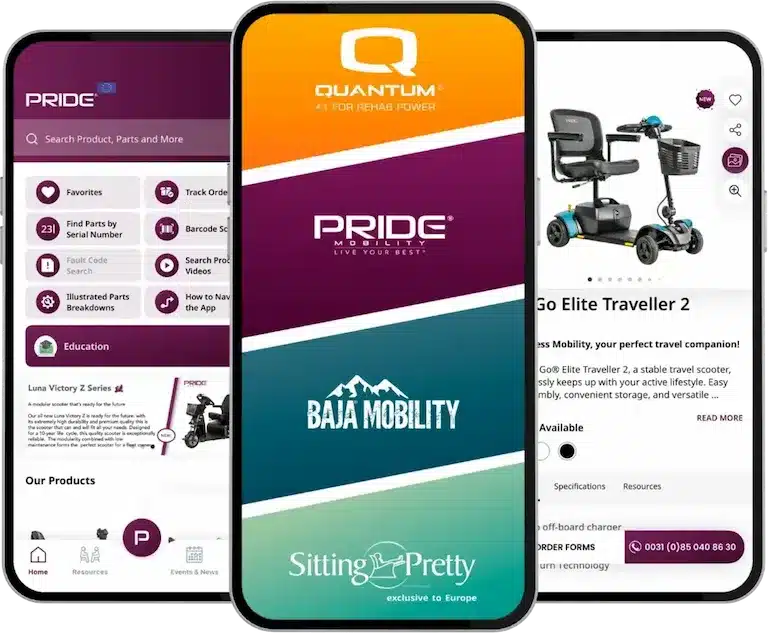




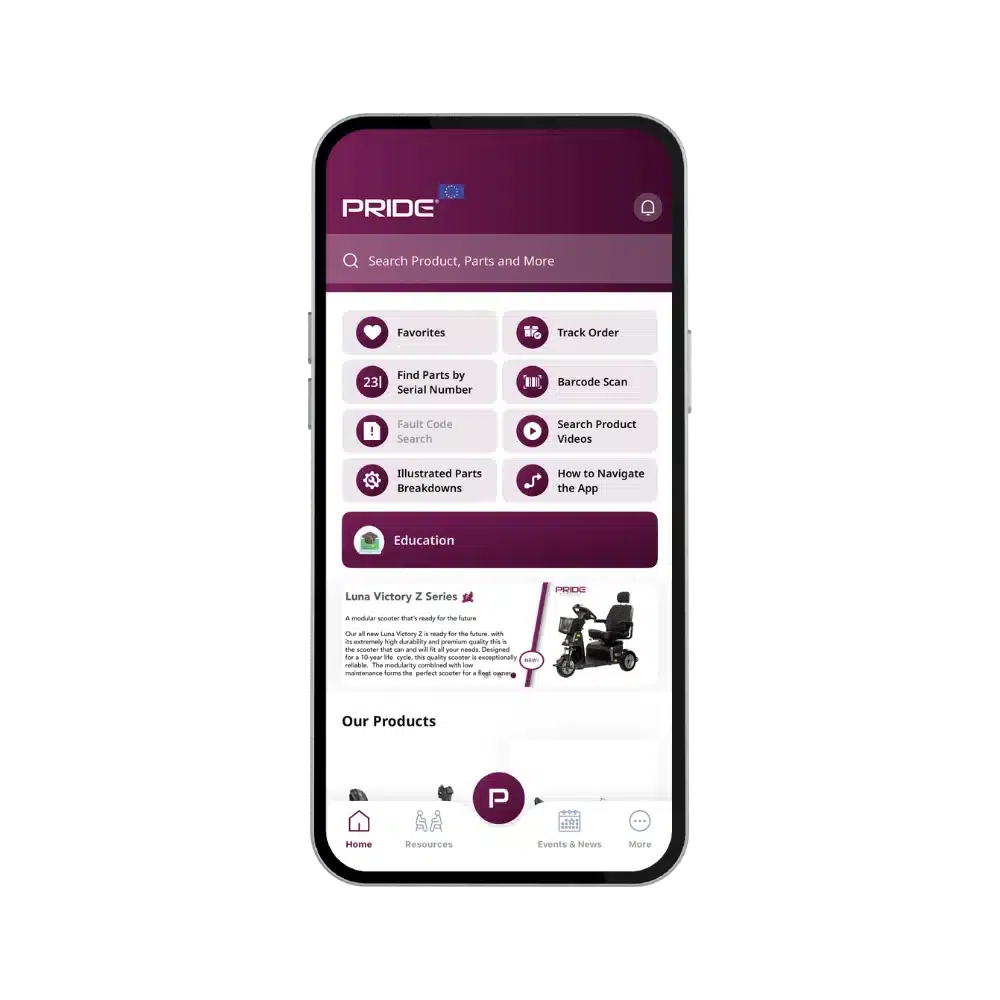
Managing orders can often feel like a boring or stressful task, especially when you are waiting for multiple mobility scooters or parts. But not anymore! We’re excited to introduce a brand-new feature that makes order tracking simple and efficient. Say hello to the new tracking tool on PQ-365.
This innovative tool allows you to check the status of your mobility scooter and parts orders quickly, using only your order number. In this post, we’ll explain what each order status means and how you can take advantage of this feature for a seamless experience.
What Do the Delivery Statuses Mean?
Understanding your order status helps you know exactly where your order is in the process.
Ready to be Picked
Your order has been received and processed but has not yet been handed to the warehouse team. At this stage, it may still be waiting for payment verification or stock confirmation.
Being Picked
Our warehouse team is actively preparing your order for dispatch. Items are being collected and packed with care, ready to be shipped.
Shipped
The most exciting stage—your order has been dispatched and is on its way to you! Delivery times vary depending on location and carrier, but you can expect your items soon. If you experience delays, contact us for support.
How to Track Your Orders
Tracking your orders is simple with PQ-365:
-
Log in to your PQ-365 account.
-
Enter your order number.
-
View the current status of your order in real time.
A full step-by-step guide is available in the app to help you get started.
More Features on the PQ-365 App
PQ-365 offers more than just order tracking. Here are some other helpful tools available:
-
View Parts Numbers
Easily keep track of all part numbers. If you need login details, contact us for support. -
Access Product Information
Browse product specifications, brochures, and owner’s manuals—all in one place. -
View Colour Options
Show all available colour options to your customers with a simple tap. -
Digital Order Forms
Make ordering powered wheelchairs faster and more accurate with our digital forms.
Need Help?
If you have any questions or need assistance, please contact us. Our team is always happy to help you make the most of PQ-365.
Happy tracking!